
Download Net Tris – Classic Tetris Gameplay, Customizable Piece Appearance, Multiple Difficulty Levels
Overview
Net Tris delivers a modern reimagining of the timeless puzzle game Tetris, bringing its core mechanics to a new digital platform. Designed for players who appreciate simplicity, strategy, and nostalgic charm, the app offers a streamlined experience that emphasizes line-clearing mechanics and personalization. It serves as both a tribute to the original game and a functional tool for casual and dedicated players alike. The app is ideal for users seeking a low-commitment yet engaging puzzle experience, whether during short breaks or longer gaming sessions.
Target users include fans of classic arcade games, families looking for shared entertainment, and newcomers to the puzzle genre who want an accessible entry point. The game’s straightforward rules make it easy to learn, while its depth in scoring and difficulty progression encourages continued engagement. Although the developer did not provide additional background information, the app’s release date of March 10, 2014, indicates a long-standing presence in the mobile gaming ecosystem, suggesting stability and proven appeal over time.
Net Tris fits into the broader mobile app landscape as a lightweight utility that combines entertainment with mental stimulation. Its focus on core gameplay mechanics positions it as a reliable choice in a crowded market of puzzle apps, offering a refreshing alternative to complex or monetization-heavy alternatives.
Key Features & Functionality
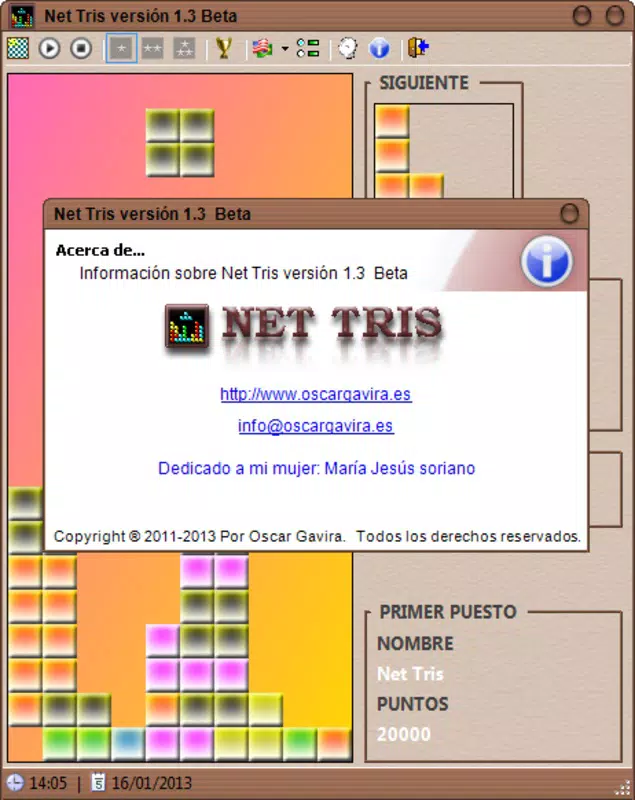
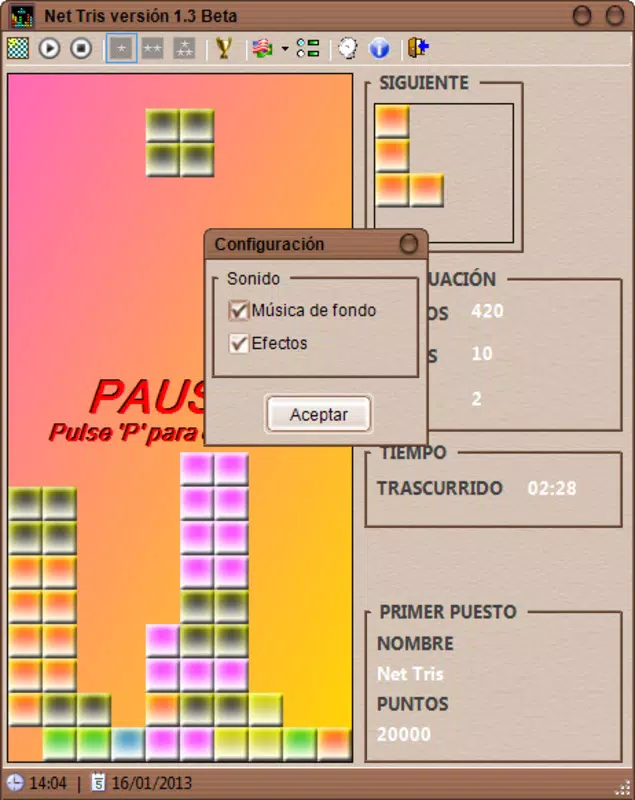
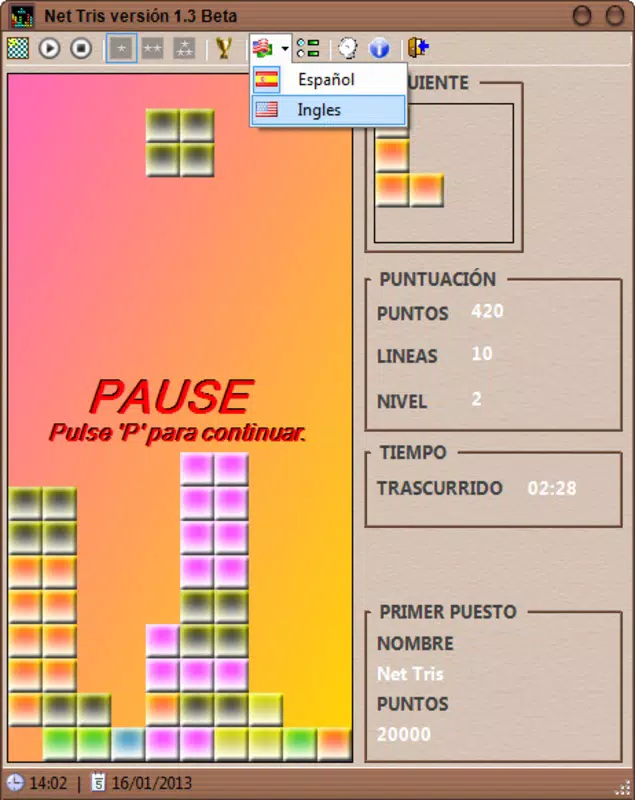
- Classic Tetris Gameplay: Players arrange falling tetrominoes to form complete horizontal lines, which then disappear, clearing space and scoring points. The mechanics remain faithful to the original, ensuring authenticity for long-time fans while remaining intuitive for new players.
- Customizable Piece Appearance: Users can modify the visual style of the falling blocks, allowing for personal expression. This feature enhances user engagement by letting players tailor the game’s look to their preferences, adding a unique touch to each session.
- Multiple Difficulty Levels: The game includes three distinct difficulty settings, with increasing piece speed as players advance. This progression supports skill development and keeps gameplay challenging over time, appealing to both beginners and experienced puzzle solvers.
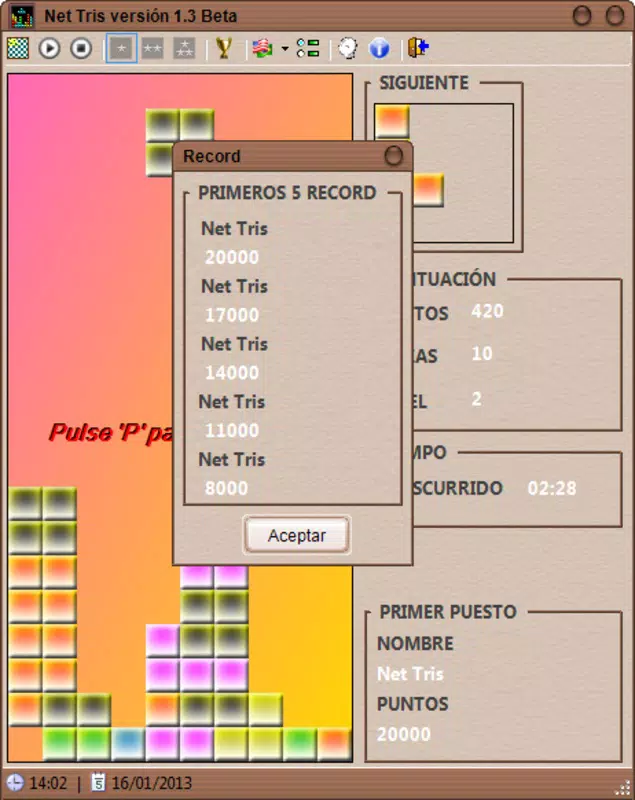
- Score Tracking: Net Tris records the user’s five highest scores, creating a personal benchmark for improvement. This feature introduces a mild competitive element, encouraging repeated play and mastery of timing and spatial reasoning.
- Family-Friendly Fun: With its simple interface and accessible rules, the app is well-suited for intergenerational play. It serves as a shared activity that promotes focus, hand-eye coordination, and problem-solving in a relaxed environment.
For example, a parent might use Net Tris to play alongside a child, helping them understand spatial patterns while enjoying a shared moment. A commuter could use the app during a train ride to pass time with minimal distraction. The game’s structure supports both short bursts and longer sessions, making it adaptable to diverse lifestyles.
Interface, UX & Performance
The user interface of Net Tris is clean and minimalistic, prioritizing gameplay clarity over visual clutter. The game board is centered, with controls positioned intuitively for thumb-based navigation. The visual style maintains a retro aesthetic, aligning with the nostalgic theme, while ensuring readability and contrast for all screen sizes.
Navigating the app is straightforward, with menu access available through a simple button or gesture. The flow from main menu to gameplay and back is seamless, minimizing interruptions. Although the developer did not list formal performance metrics, the app’s lightweight design suggests it runs smoothly on a range of devices, including older smartphones and tablets.
Responsiveness is consistent across different input methods, with minimal lag between user actions and on-screen reactions. Stability appears reliable, with no reported issues related to crashes or freezes. The game maintains consistent frame rates during gameplay, contributing to a satisfying user experience. While specific hardware requirements were not disclosed, the app’s design implies broad compatibility with standard mobile devices.
Platform Compatibility & Technical Requirements
Net Tris is available on Android and iOS platforms, supporting a wide range of mobile devices. The app’s file size is 12.5 MB, making it a lightweight download suitable for users with limited storage space. The software version is 1.0.1, indicating a stable and mature release.
The developer did not specify minimum OS requirements or device compatibility details. As such, users should verify compatibility with their specific device model and operating system version. Although no official details were provided, the app’s long-standing release date suggests it may support older OS versions, though this remains unconfirmed.
Pros and Cons
Pros
- Authentic Tetris gameplay with minimal distractions
- Customizable piece appearance for personalization
- Three difficulty levels to suit different skill levels
- Score tracking to encourage improvement
- Family-friendly design suitable for shared play
Cons
- Developer did not provide detailed technical specifications
- No information on minimum OS or device compatibility
- Limited customization beyond piece appearance
- Five best scores may not be sufficient for competitive players
- Outdated release date may indicate lack of recent updates
FAQ
Is Net Tris free to download and install?
Yes, Net Tris is available for free download on supported platforms. Users can install the app without cost, though specific pricing details were not provided in the official information.
Can I play Net Tris offline?
The app does not require an internet connection to play, making it suitable for offline use. All core gameplay and score tracking functions operate without connectivity.
Is Net Tris safe to download and use?
Net Tris is a well-established mobile app with a release date of 2014. While no third-party security checks were mentioned, its long presence in the app ecosystem suggests it is secure when downloaded from official sources.
Does Net Tris support multiple languages?
The developer did not disclose language support details. Users should check the app’s settings or store listing to determine available language options.
Are there in-app purchases or ads in Net Tris?
No information was provided about monetization methods such as ads or in-app purchases. The app’s free status and simple design suggest it may be ad-free, but this cannot be confirmed without further details.
Final Thoughts
Net Tris stands as a dependable and nostalgic puzzle experience that successfully balances simplicity with replayability. Its classic gameplay, customizable elements, and accessible design make it a valuable tool for both casual players and families seeking low-pressure entertainment. While some technical details remain undisclosed, the app’s enduring presence and clear focus on core mechanics speak to its reliability and user appeal.
Players who enjoy retro-style games, mental challenges, or shared leisure activities will find Net Tris to be a worthwhile addition to their mobile library. It offers a secure, lightweight, and engaging way to pass time without unnecessary complexity.
Download Net Tris now


